How to add post processor
From version 6
Ask to support if the machine controller it's not available in the list.
Create a new post processor
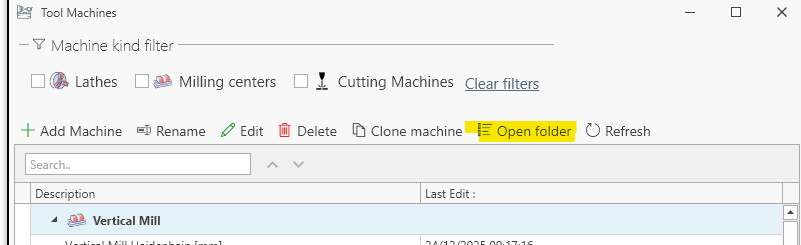
From Main Menu -> Edit -> Machine Post Processor to open the post processor dialog screen.

To add a new vertical mill machine : [Add Machine] -> [Vertical Mill] -> Select the preferred machine kind.

To edit the post processor, select it in the list and press [EDIT]

Browse the properties to make the post processor edits.
Ask support if you don't get how to make a specific edit.

Add existing post processor
a) You can add the post xml file to the post processor folder
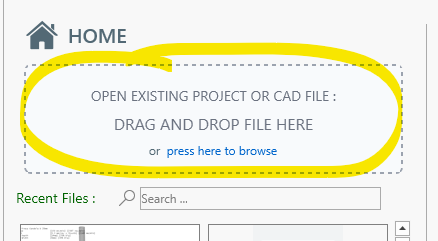
b) Drag and drop the xml file to drag and drop area in the home screen